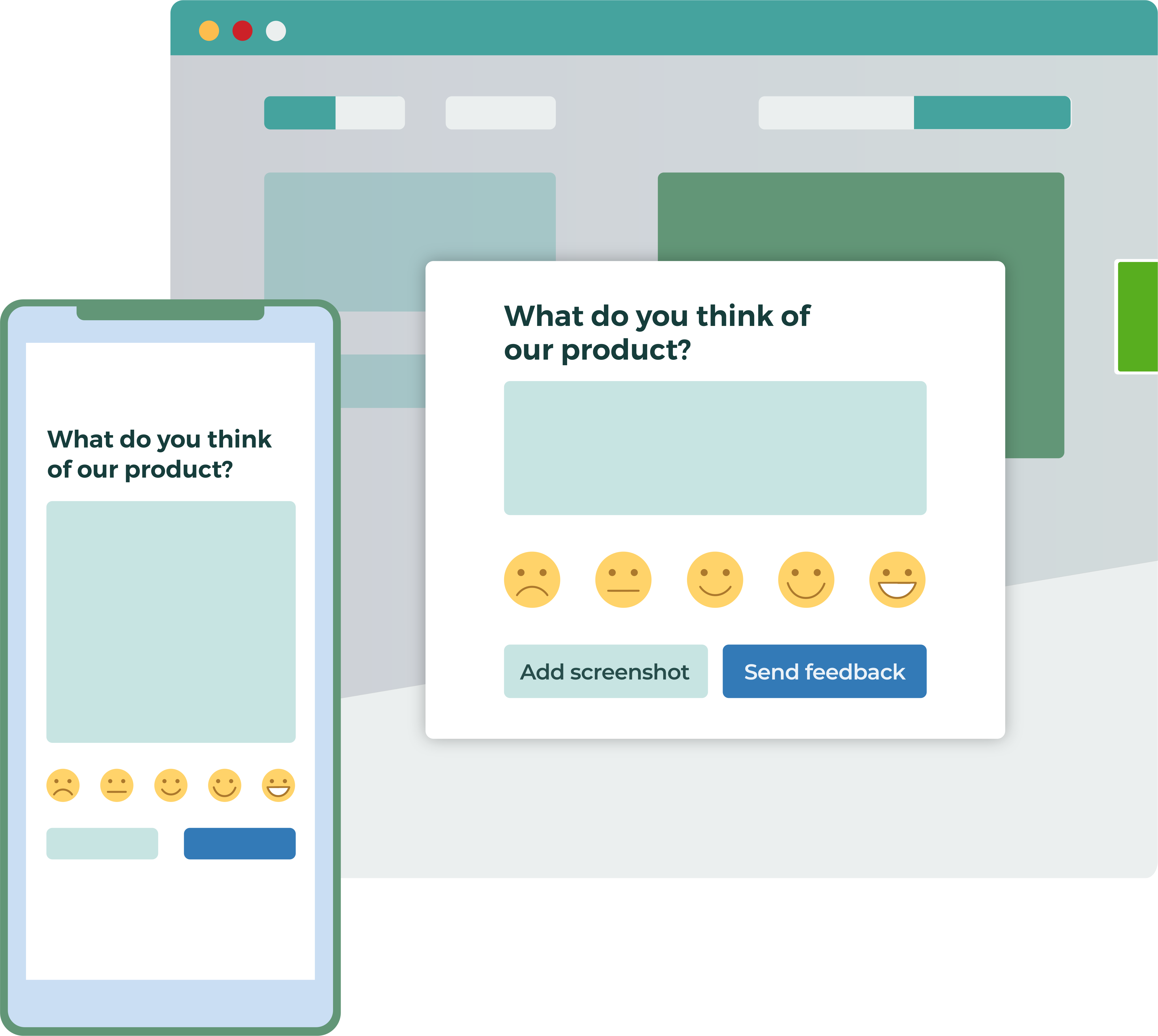






Hear directly from your users, without endless email chains and overloaded ticketing systems.
Users can show you exactly what they think with screenshots as well as text. They can quickly contact you without leaving the page they are on.
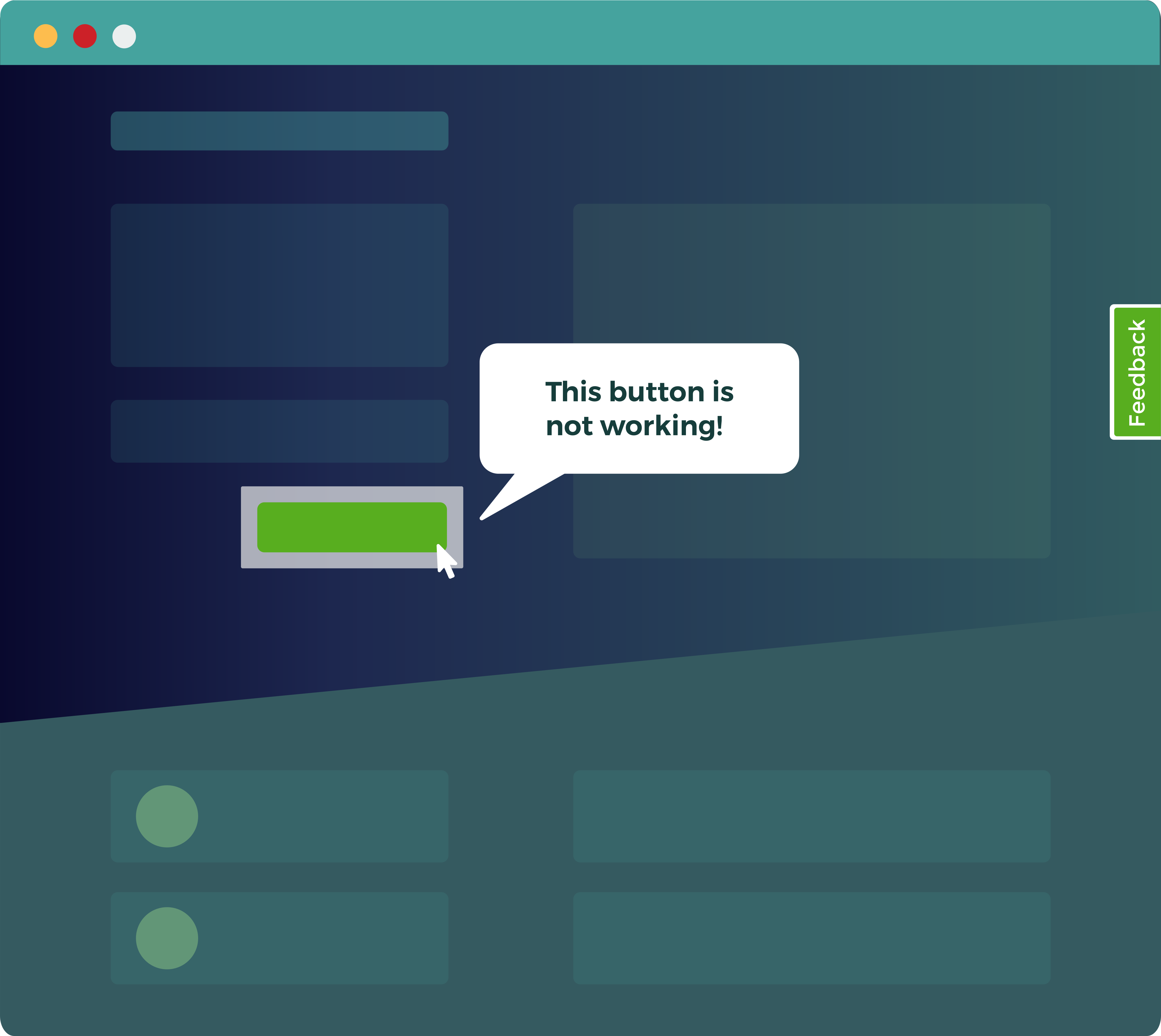

“Saber is really helpful for improving our User Experience and identifying bugs, as well as being great for gathering general feedback.”
Louise Muszynski
Customer Service Manager
CarsGuide
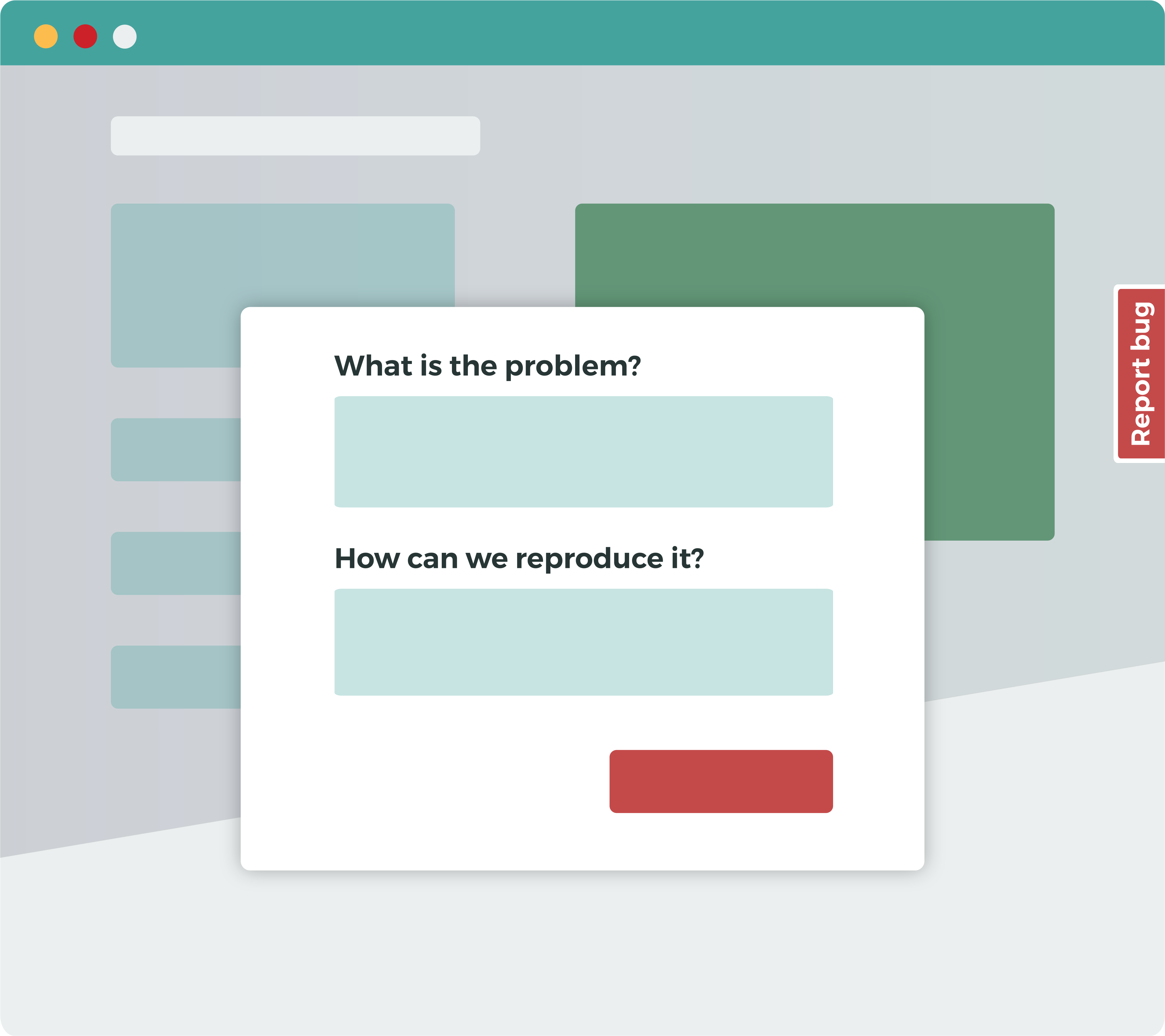
Your customers are usually the first to encounter bugs and UX problems. Make it easy for them to give you direct visual feedback as soon as they spot a problem.
Details such as their operating system, browser name and version and any Javascript errors are automatically included, to save you time.
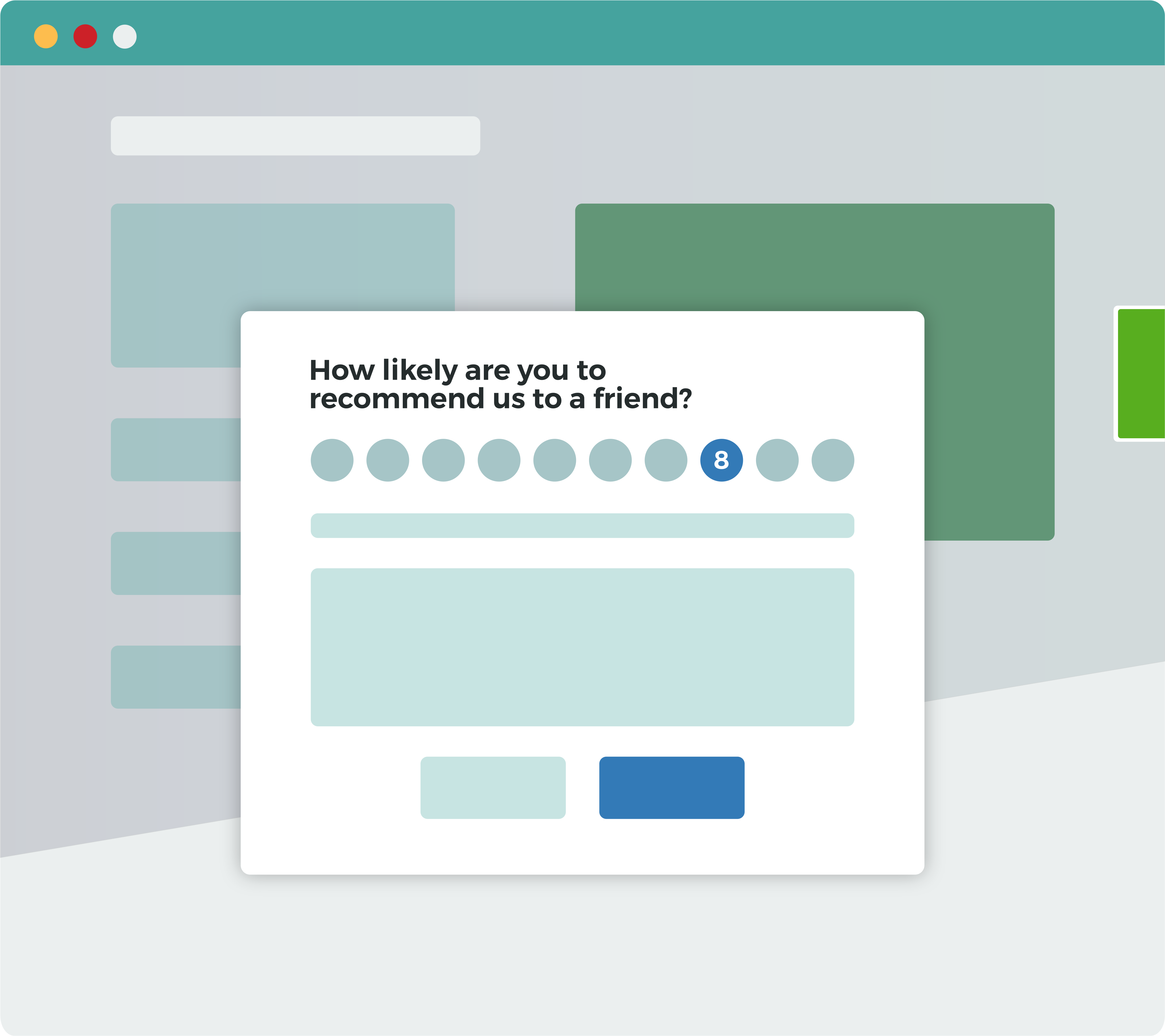
Track Net Promoter Score, as well as star and emoji rating, to see what customers think of your product.
Use logic to ask follow up questions based on their replies. Gather valuable information on customer satisfaction direct from your website.
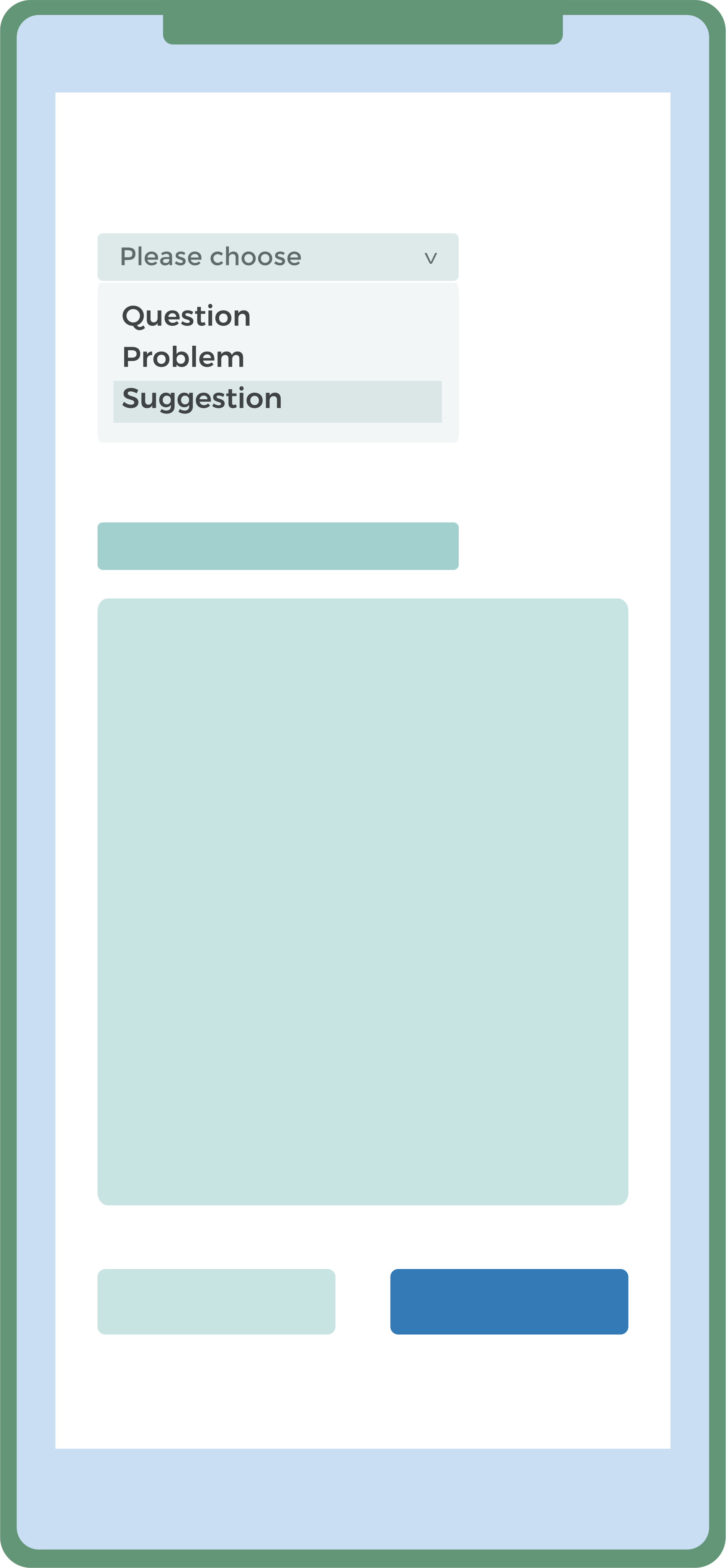
Customer suggestions and feature request help you build better products.
Make it easy for customers to give you feedback. Base your product development process on real information rather than assumptions.
See pricing
No credit card required. 30-day free trial.

Get instant feedback on your website or internal testing site. You can even get targeted feedback on certain sections of your site like a leaderboard, new product landing page, or pricing widget.

Get initial feature ideas on your new course so you can improve it and sell more. Or make sure you keep an established course up-to-date with user feedback on your content.

Spot technical problems as they occur and provide customers with a simple way to ask questions and resolve problems, using the screenshot functionality.